



Entrega expressa mundial com rastreamento e seguro • Envio dos EUA • Frete grátis

Seguro e protegido • Aceitamos ordens de compra
Suas informações de pagamento são processadas com segurança. Nós não armazenamos dados do cartão de crédito nem temos acesso aos números do seu cartão.
Sem pagamentos adicionais • Sem custos extras
Tarifas, impostos e todas as taxas aplicáveis estão incluídas. A entrega porta a porta é realizada sob o regime de entrega com direitos pagos (DDP). Todos os envios são totalmente rastreados e segurados.
A entrega porta a porta é realizada sob os termos "Delivered Duty Paid" (DDP), com rastreamento completo e seguro.
Gerenciamos todos os procedimentos de importação e desembaraço aduaneiro em todo o mundo. Tarifas, impostos de importação, taxas e encargos aduaneiros estão incluídos para todos os destinos, e nenhum pagamento adicional é necessário.
Descrição
- (2) 2nd Gen Intel Xeon Scalabel Processors
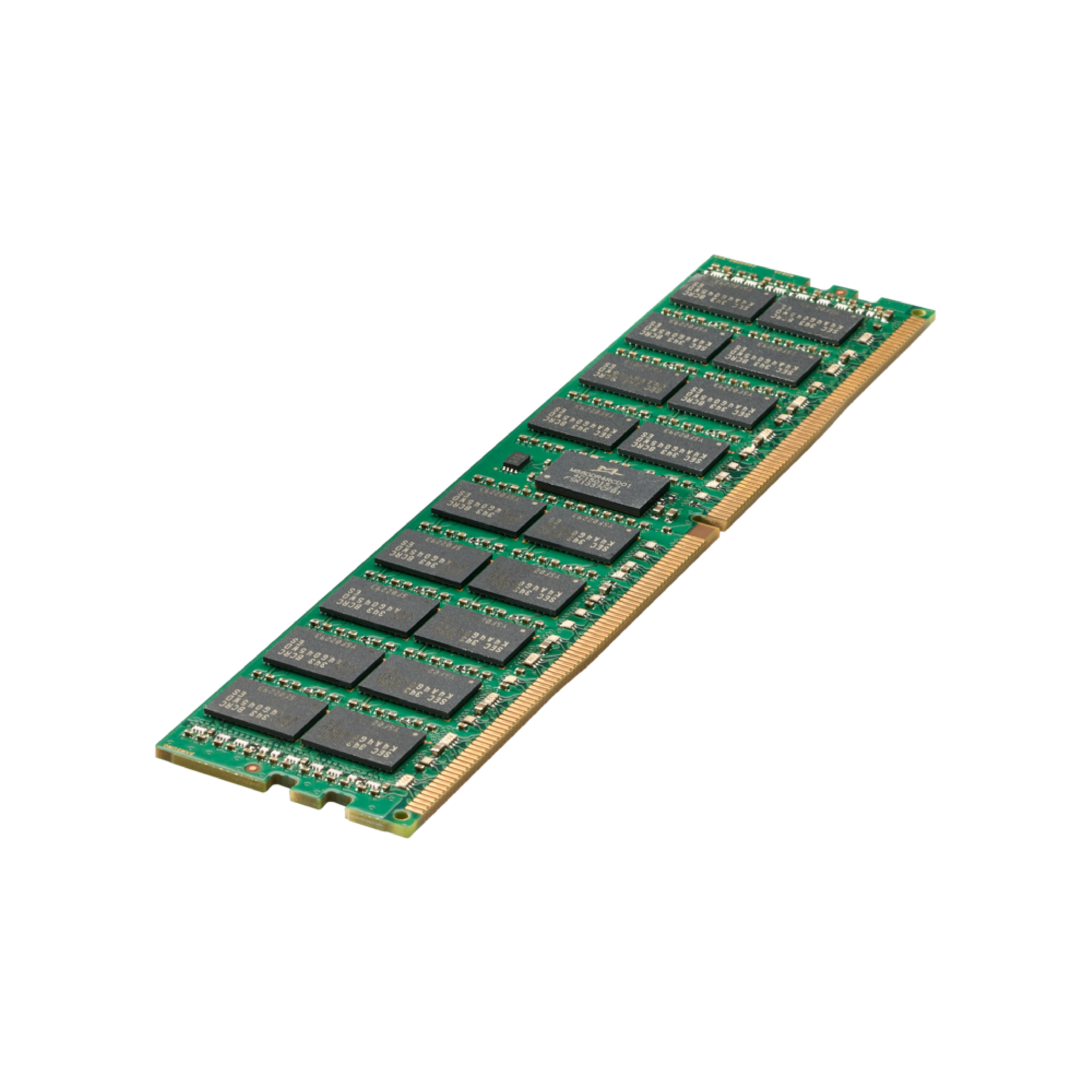
- (24) DDR4 2933 MT/s DIMMs
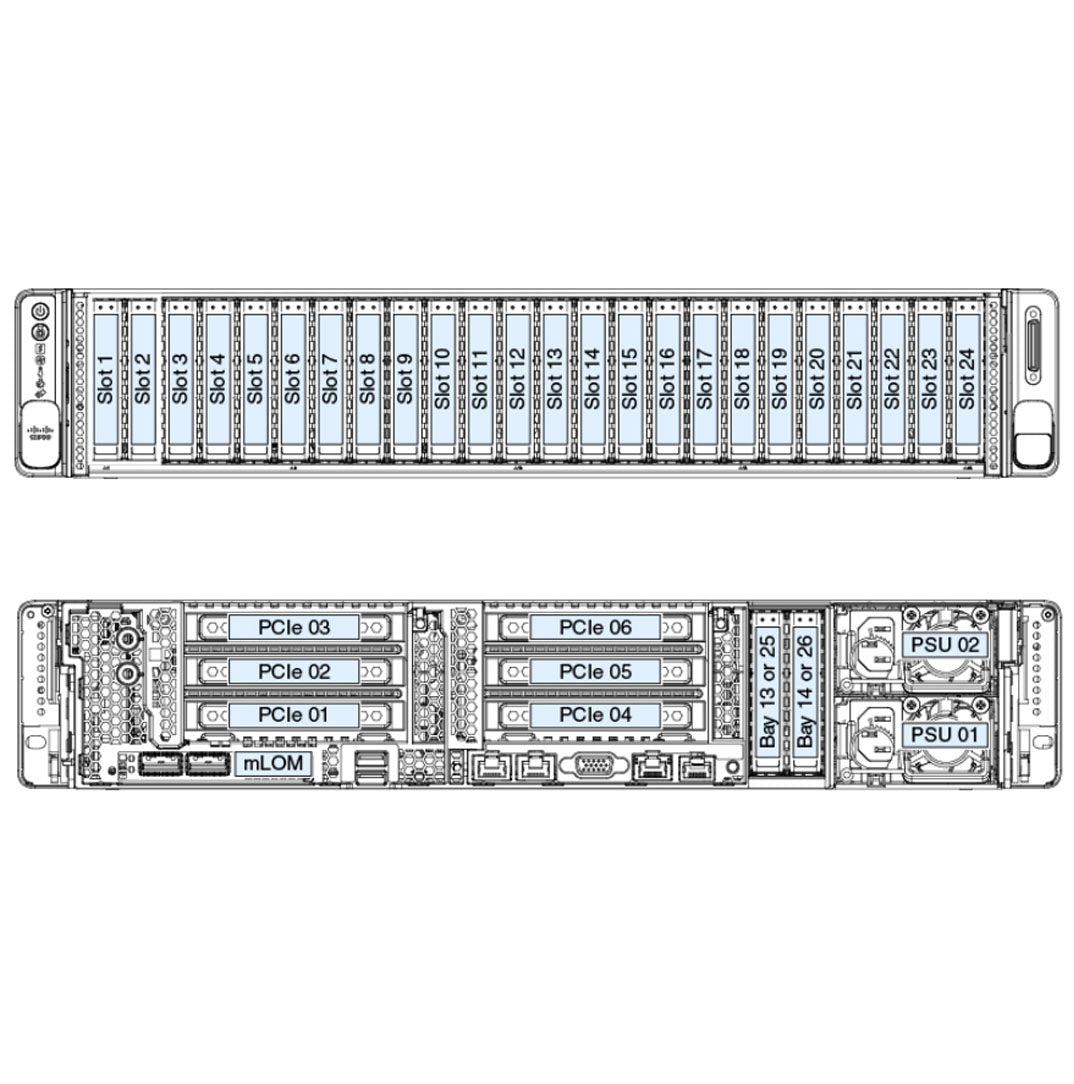
- (12 - 24) SAS/SATA/NVMe Drives
- (2) Rear Drive Bays
- (6) PCIe 3.0 slots
- (6) Fans
- (2) Power Supply Units
- (1) Dedicatred mLOM slot
- (1) Dedicated Internal SAS HBA Slot
- (1) M.2 Supported for Boot
- (1) Micro SD Slot on Riser 1
- Up to (6) GPUs Supported
The Cisco HyperFlex HX240c M5 server, in its 12 LFF or 24-bay small form factor (SFF) configuration, is designed for high-performance, storage-intensive workloads. Powered by Intel® Xeon® Scalable processors, it supports up to two CPUs and 3 TB of DDR4 memory across 24 DIMM slots, delivering exceptional computational and memory performance.
This 2U chassis accommodates up to 24 hot-swappable SFF drives, offering flexible storage configurations, including all-NVMe, all-flash, or hybrid SSD/HDD setups. With six PCIe expansion slots, the server supports additional GPUs or network cards, enhancing its adaptability for virtualization, AI, and data-intensive applications.
(Click to View)
- Artificial Intelligence (AI)
- Big Data Analytics
- Cloud Servers
- Corporate IT
- Data Analytics
- Database
- Deep Learning (DL)
- Edge Servers
- High-Performance Computing (HPC)
- Hyper-Converged infrastructure (HCI)
- Language Model
- Machine Learning (ML)
- Network Function Virtualization (NFV)
- Virtualization
- Virtual Machines (VM)
 HX240c M5 LFF
HX240C-M5L
Front bay 1 - 12: Hybrid: (6 to 12) HDDs Drives
Rear bay 13: Caching NVMe SSD
Rear bay 14: Housekeeping SSD for SDS logs only
Cisco HyperFlex Software Minimum Level
3.0.1 or later
 HX240c M5 24x SAS/SATA
HX240C-M5SX
Front bay 1: Housekeeping SSD for SDS logs only
Front bays 2 - 24: Hybrid: (6 to 23) HDDs Drives
Rear bay 25: Caching NVMe SSD
Cisco HyperFlex Software Minimum Level
2.6.1a or later
 HX240c M5 All Flash 24x NVMe
HXAF240C-M5SX
Front bay 1: Housekeeping NVMe for SDS logs only
Front bays 2 - 24: Hybrid: (6 to 23) NVMe Drives
Rear bay 25: Caching NVMe only
Cisco HyperFlex Software Minimum Level
2.6.1a or later
Mixing HX240c Hybrid SED HyperFlex nodes with HX240c All-Flash SED HyperFlex nodes within the same HyperFlex cluster is not supported.
NVMe Drive RulesNVMe SSDs are supported only in the Caching SSD position, in drive bay 13 for LFF versions or bay 25 for SFF versions. NVMe SSDs are not supported for persistent storage or as the Housekeeping drive.
Housekeeping Drive Rules
- LFF versions: The Housekeeping SSD must be installed in rear bay 14.
- SFF versions: The Housekeeping SSD must be installed in front bay 1.
- LFF versions: The persistent data drives must be installed in front bays 1 - 12
- SFF versions: The persistent data drives must be installed in front bays 2 - 24
- LFF versions: The Caching SSD must be installed in rear bay 13.
- SFF versions: The Caching SSD must be installed in rear bay 25.
The deployment mode in the Cisco HyperFlex HX240c M5 SX Node is critical as it defines how the server integrates into the network and manages workloads. The deployment mode determines whether the server operates with or without Cisco Fabric Interconnect (FI), impacting scalability, compatibility, and feature availability.
This deployment option connects the server to Cisco Fabric Interconnect. The installation for this type of deployment can be done using the standalone installer or from the Intersight. This deployment mode has been supported since launch of HyperFlex.
- Enhanced Management: Servers are connected to Cisco Fabric Interconnects, enabling centralized management of compute, storage, and networking resources.
- High Availability: Ensures seamless integration with Cisco UCS Manager for automated discovery, configuration, and lifecycle management.
- Compatibility: Supports advanced features like stretch clusters, PMem (Persistent Memory), SED (Self-Encrypting Drives), and additional PCIe Cisco VIC adapters.
HX Data Center without Fabric Interconnect | HX-DC-NO-FI
This deployment option allows server nodes to be directly connected to existing switches. The installation for this type of deployment can be done from the Intersight only
- Standalone Mode: Servers connect directly to existing switches, relying on Cisco Intersight for management.
- Simplicity: Ideal for environments with fewer integration requirements or edge deployments.
- Limitations: Features like PMem, SED drives, and stretch clusters are not supported, reducing some advanced capabilities.
The mLOM on the HX240c 2U Node server from Cisco has its own dedicated slot. This is ideal way to connect to the Cisco FI on the network. If you selected the HX-DC-no-FI these options are not supported.
HX-PCIE-C40Q-03 (40G VICs), HX-PCIE-C25Q-04 and HX-PCIE-OFFLOAD-1The standard PCIe card offerings is:
- Modular LAN on Motherboard (mLOM)
- Virtual Interface Card (VIC)
- Network Interface Card (NIC)
The mLOM VIC 1387 has a 40Gb QSFP port but can be converted to a 10Gb SFP with the CVR-QSFP-SFP10G. This is a prefect solution when you need to provide a 10Gb connection to the Cisco FL 6200 series.
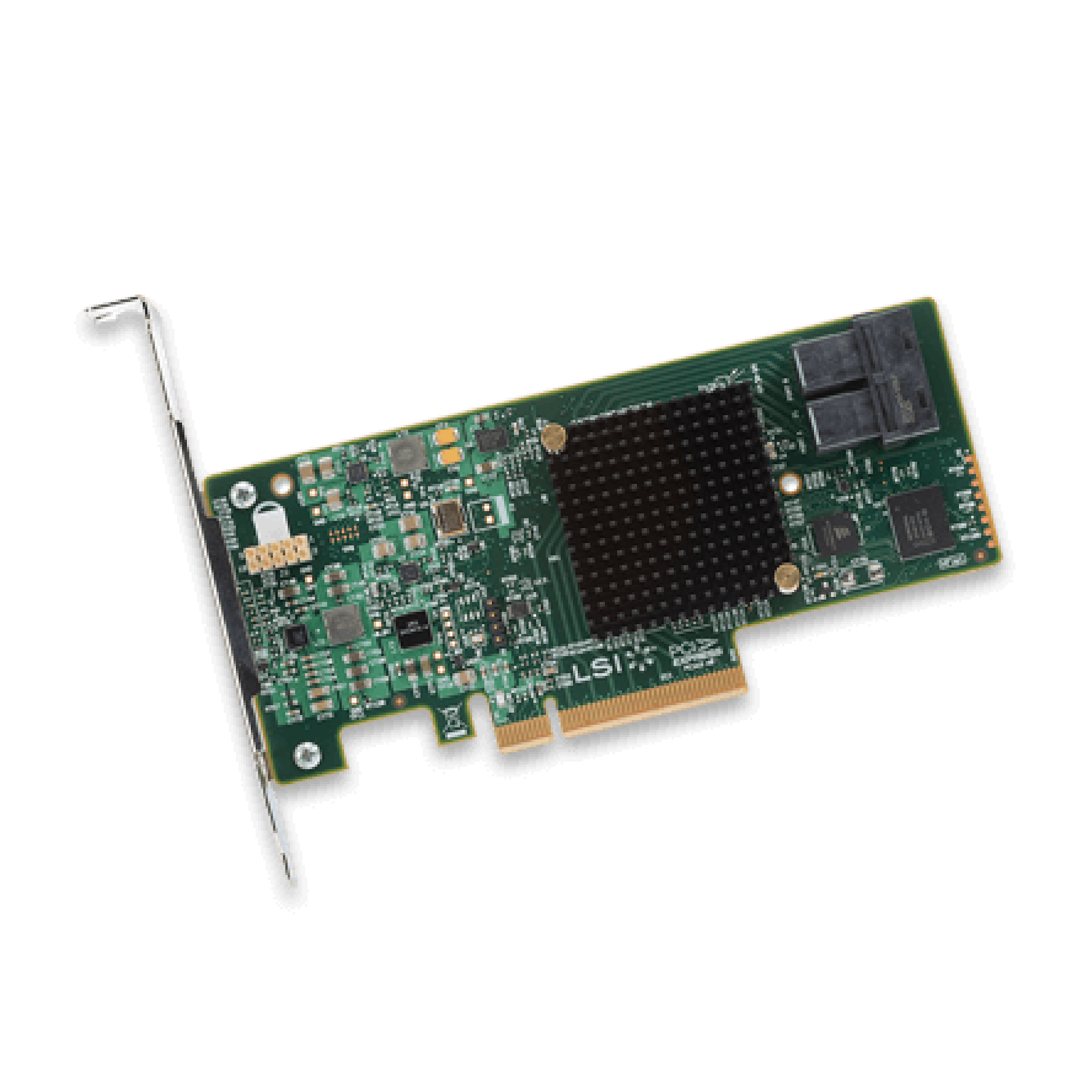
An internal slot is reserved for the Cisco 12G SAS HBA (HX-SAS-M5HD). This HBA is managed by the Cisco Integrated Management Controller (CIMC).
Supports JBOD mode only (no RAID functionality. Ideal for SDS (Software Defined Storage) applications. It is also ideal for environments demanding the highest IOPs (for external SSD attach), where a RAID controller can be an I/O bottleneck.
Supports up to 26 internal SAS HDDs and SAS/SATA SSDs
Must install 2 CPUs for GPU support and for Riser 2 to be supported.
 Riser 1A: HX-RIS-1-240M5
- 3 Full Half x8
- 2 Full Full x16 - GPU T4
- 1 Full Half x8
slot 2 requires CPU2.
 Riser 1B: HX-RIS-1B-240M5
- 3 Full Half x8
- 2 Full Full x8
- 1 Full Half x8
Only T4, RTX supported with 1 CPU, max 3 with HX-RIS-1B-240M5, Riser 1B 3PCIe slots (x8, x8, x8); all from CPU1.
 Riser 1C: HX-R1-A100-M5
- 3 Full Half x8
- 2 Full Full x16 - GPU
- 1 Full Half x8
slot 2 requires CPU2.
 Riser 2A: HX-R2A-A100-M5
- 6 Full Full x8
- 5 Full Full x16 - GPU
- 4 Full Half x16
 Riser 2B: HX-RIS-2B-240M5
- 6 Full Full x8
- 5 Full Full x16 - GPU T4, RTX
- 4 Full Half x8
PCIe cable connectors for rear NVMe SSDs
GPUs cannot be mixed.
Must install 2 CPUs for GPU support and for Riser 2 to be supported. All GPU cards require two CPUs and a minimum of two power supplies in the server. 1600 W power supplies are recommended.
Only T4 supported with 1 CPU, max 3 with HX-RIS-1B-240M5, Riser 1B 3PCIe slots (x8, x8, x8); all from CPU1, For T4
HX-GPU-T4-16 require special riser cards (HX-RIS-1-240M5 and HX-RIS-2B-240M5) for full configuration of 5 or 6 cards.
NVIDIA M10 GPUs can support only less than 1 TB of total memory in the server. Do not install more than fourteen 64-GB DIMMs when using an NVIDIA GPU card in this server
| Product ID (PID) | PID Description | Card Height | Maximum Cards Per Node |
|---|---|---|---|
| HX-GPU-M10 | NVIDIA M10 | Double wide (consumes 2 slots) | 2 |
| HX-GPU-T4-16 | NVIDIA T4 PCIE 75W 16GB | Low Profile Single-Width | 6 |
| HX-GPU-RTX6000 | NVIDIA QUADRO RTX 6000, PASSIVE, 250W TGP, 24GB | Double Wide (consumes 2 slots) | 2 |
| HX-GPU-RTX8000 | NVIDIA QUADRO RTX 8000, PASSIVE, 250W TGP, 48GB | Double Wide (consumes 2 slots) | 2 |
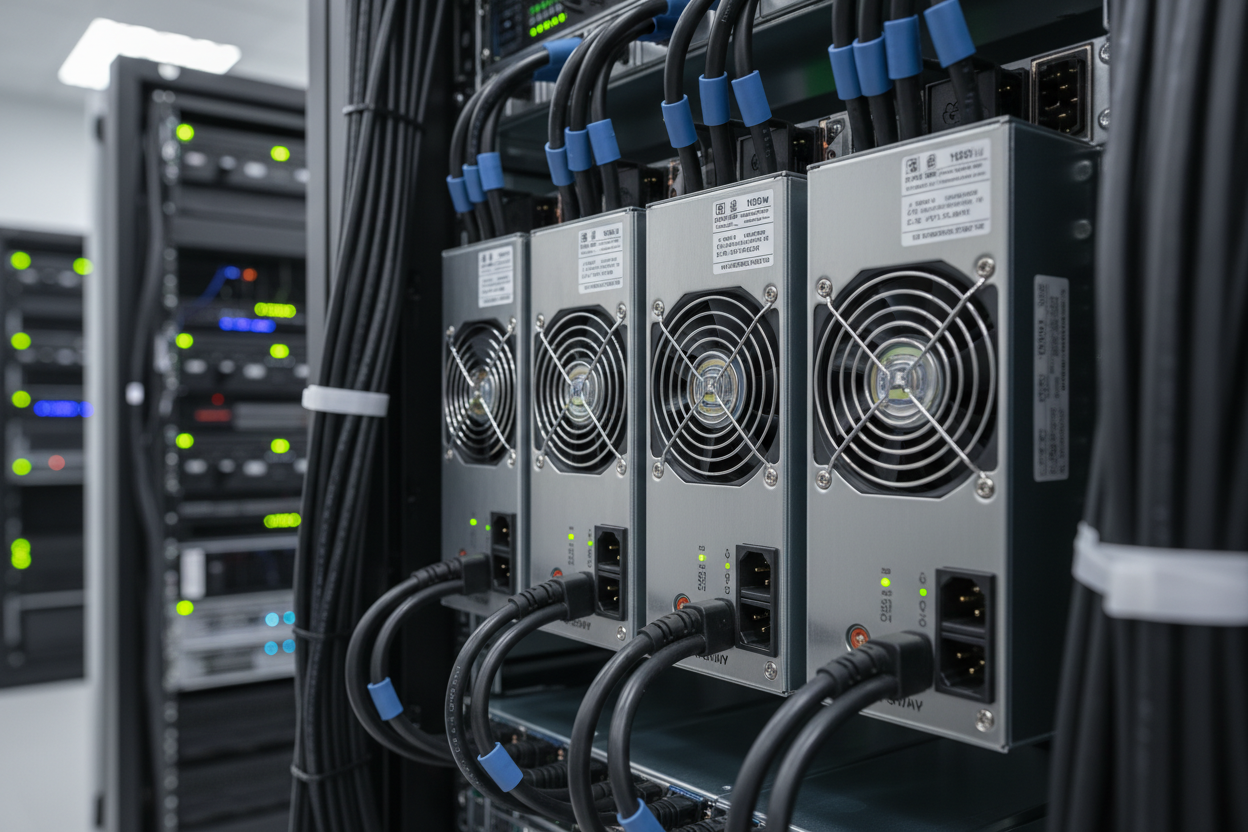
Each power supply is certified for high-efficiency operation and offer multiple power output options. This allows users to "right-size" based on server configuration, which improves power efficiency, lower overall energy costs and avoid stranded capacity in the data center.
All GPU cards require two CPUs and a minimum of two power supplies in the server. 1600 W power supplies are recommended.
| Product ID (PID) | PID Description |
|---|---|
| HX-PSU1-1050W | 1050W AC power supply for C-Series servers |
| HX-PSUV2-1050DC | 1050W DC Power Supply for C-Series servers |
| HX-PSU1-1600W | 1600W AC power supply for C-Series servers |
| HX-PSU1-1050EL | Cisco UCS 1050W AC Power Supply for Rack Server Low Line |
- Height: 3.43in (87.1mm)
- Width: 18.96in (481.5mm)
- Length: 30.44in (773.1mm
- Weight:
- Bare: 8 Bay (35.5lbs/16.1kg) | 24 Bay (40lbs/18.1kg)
- Min: 8 Bay (37lbs/16.8kg) | 24 Bay (41.5lbs/18.8kg)
- Max: 8 Bay (45.5lbs/20.6kg) | 24 Bay (59.5lbs/226.1kg)
Tarifas, todos os impostos, taxas e encargos estão incluídos
Não há custos adicionais nem pagamentos extras. Todos os envios são totalmente rastreados e segurados. Impostos, tarifas, taxas e encargos alfandegários estão incluídos em todo o mundo. Enviamos com entrega designada (DDP) via UPS, FedEx, DHL, USPS , transportadoras, redirecionadores ou a transportadora de sua escolha.
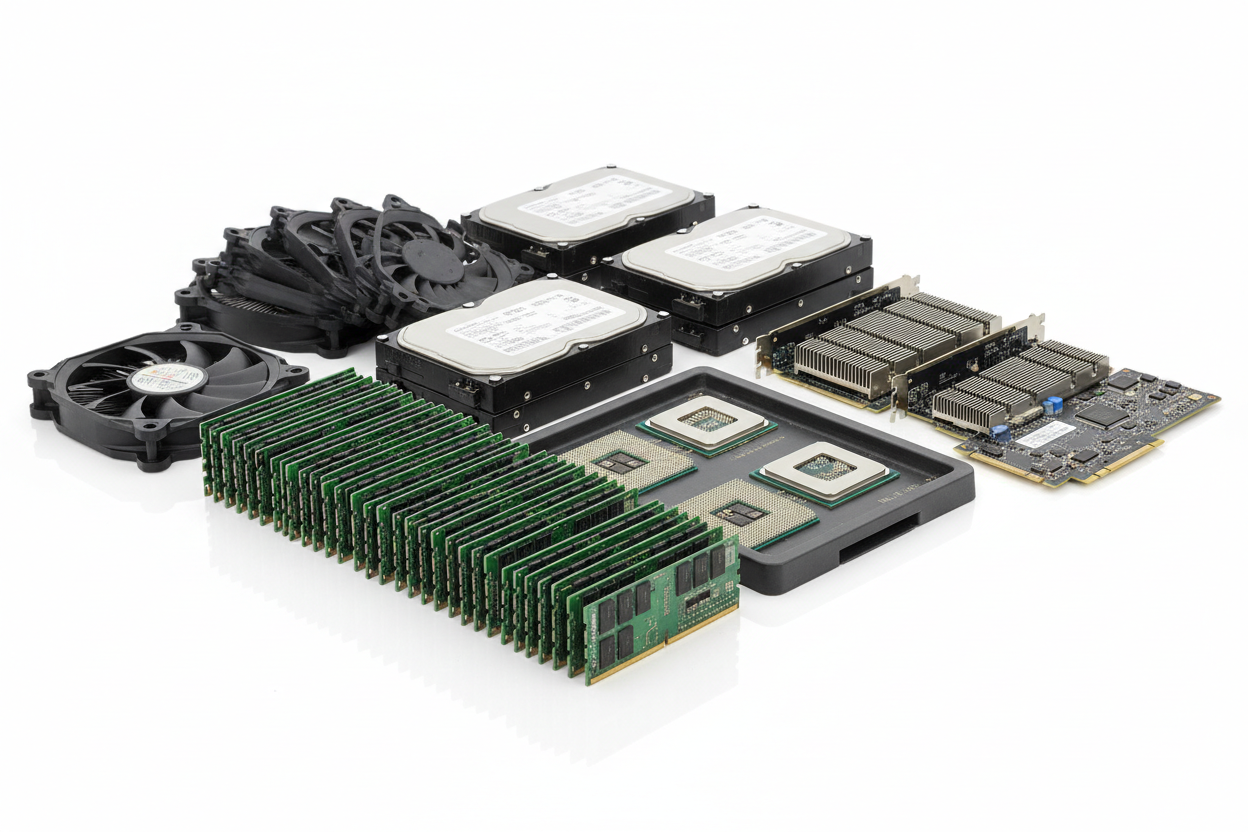
Peças de servidores e equipamentos de TI
Ver tudo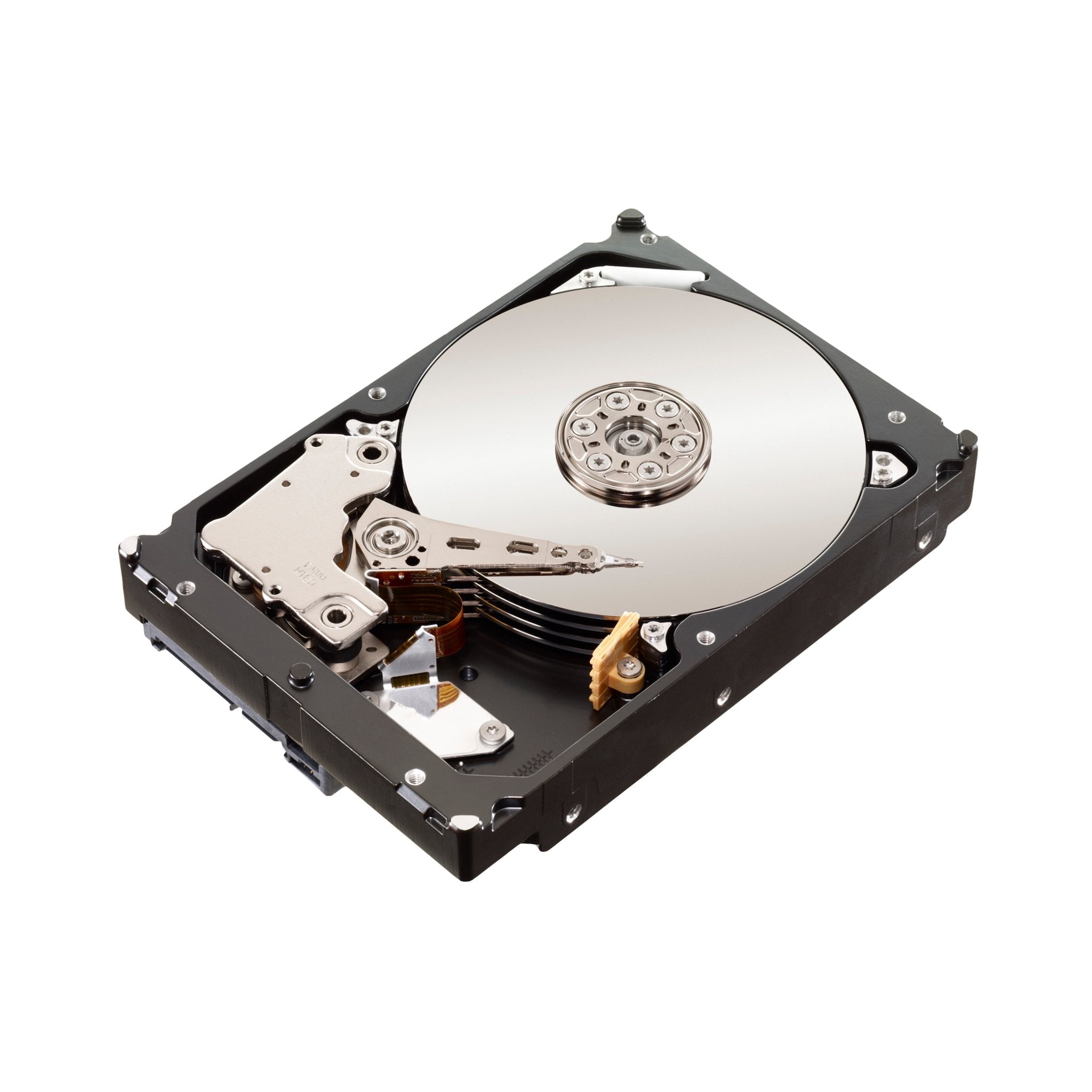
Envio
Sim, enviamos para o mundo todo. Oferecemos frete GRÁTIS ou, se você quiser entrega expressa, pode escolher o serviço e os custos de frete serão aplicados, eles serão adicionados no checkout.
Não, os impostos estão incluídos e com frete grátis.
Usamos todas as principais transportadoras e parceiros de correio locais. Você será solicitado a selecionar um método de entrega durante a finalização da compra.
Sim, oferecemos frete grátis para o seu país.
produtos
Nosso objetivo sempre é garantir que nossos clientes amem nossos produtos, mas se você precisar devolver um pedido, ficaremos felizes em ajudar. Basta nos enviar um e-mail diretamente e nós o guiaremos pelo processo.
Outro
Você pode entrar em contato conosco através da nossa página de contato! Teremos o maior prazer em ajudá-lo.
Qualquer pergunta?
Se ainda não respondemos à sua pergunta, entre em contato conosco abaixo e retornaremos o mais breve possível.